
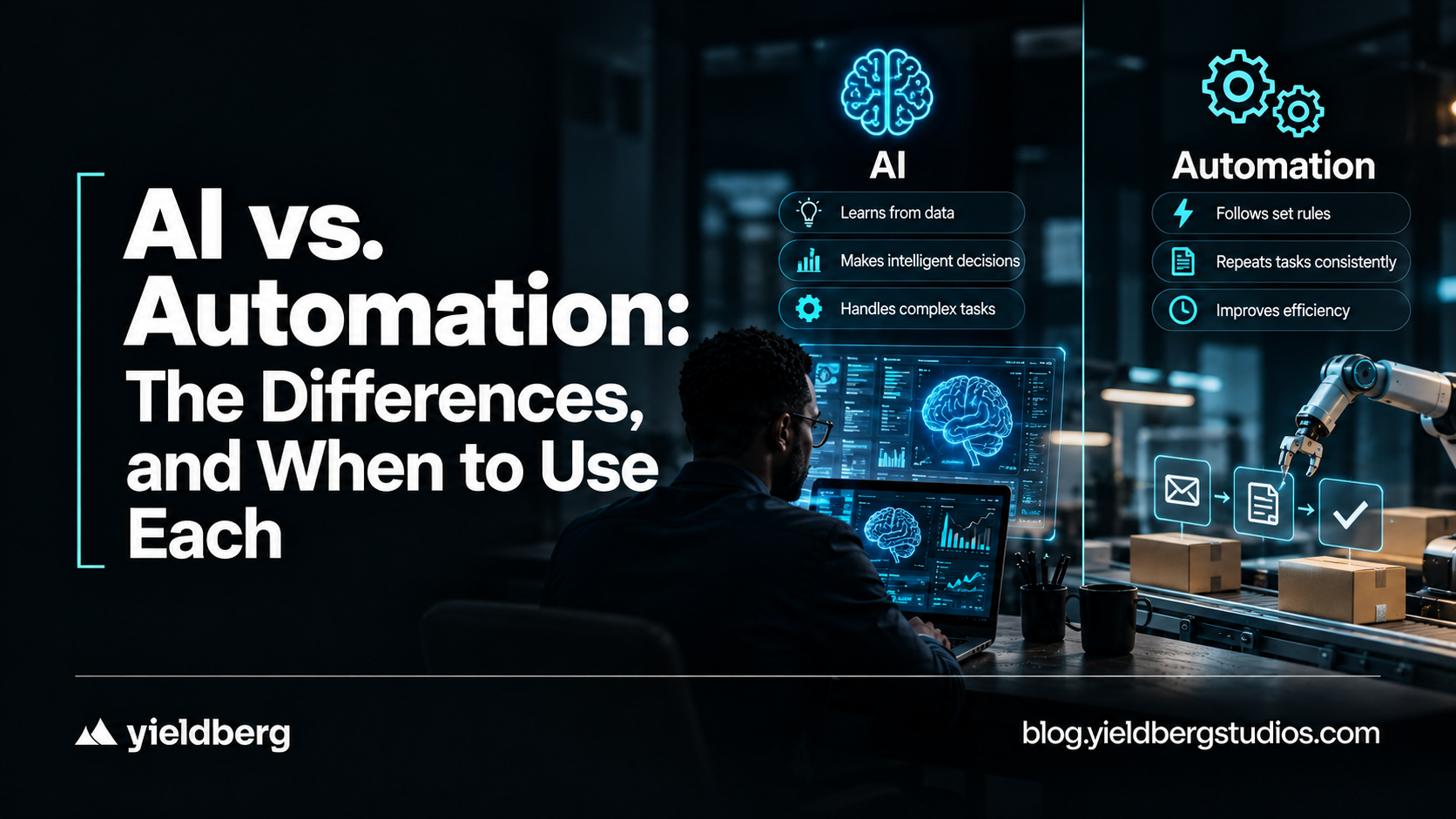
Automation runs steps someone already wrote down. AI works out what is being asked and decides what to do. Most real systems need both, and mixing them up is how teams buy the wrong tool.
What Automation is
Automation uses hardware, software, and algorithms to perform tasks with little or no manual intervention. The guide traces early forms to the Industrial Revolution, when steam engines and power looms offloaded labor onto machines.
Most automation follows predefined rules and configured logic. It doesn't make independent decisions; it executes the steps it was given. Robotic process automation (RPA), workflow automation, and rule-based triggers all fit.
Three types
- Rule-based automation: fixed instructions for high-volume, repetitive tasks, such as routing IT tickets by keyword or triggering a payroll update when an employee's status changes. Fast and consistent, but rigid.
- Workflow automation: coordinates a multi-step process across systems and teams, such as passing a new hire's paperwork through HR, IT, and finance approvals in sequence. It reduces manual handoffs along predefined paths.
- ML-augmented automation: adds machine learning to cope with more variability, for example, spotting anomalies in data, flagging patterns in engineering logs, or prioritizing support queues from historical trends.
The guide's dividing line: all three need configured logic. None can interpret intent, handle ambiguity, or make autonomous decisions.
What AI is
The guide defines AI as training computer systems to do things that mimic human processes: interpreting language, recognizing patterns, and responding to complex, unpredictable inputs.
Earlier AI tools leaned on rigid rules; today's tools often use large language models (LLMs) to grasp context, plan multi-step actions, and operate across enterprise workflows. Three capabilities separate it from automation:
- Intent understanding: natural language processing lets it read a request in everyday language and work out what the user is trying to accomplish.
- Reasoning and planning: it can break a request into steps, choose which tools or systems to involve, and sequence the actions.
- Continuous learning: the guide says AI systems keep improving by processing new data and learning from interactions and outcomes.
"Continuous learning" is the claim to be careful with. Many LLM-based assistants don't change their underlying model after each conversation.
Improvement typically comes from updates, tuning, better data, or feedback loops that someone built. Ask any vendor exactly what learns, from what, and how often.
The Differences Side by Side
| Feature | Automation | AI |
| Reasoning and planning | Follows fixed, configured logic | Interprets intent and maps multi-step paths to a goal |
| Learning | Needs manual updates to improve | Learns from new information and interactions (per the guide) |
| Variability | Breaks when inputs fall outside the rules | Handles ambiguity, context shifts and unexpected inputs |
| Autonomy | Does only what it was programmed to do | Interprets goals and acts across systems with little human intervention |
| Data dependency | Structured, predictable inputs | Large, diverse datasets |
| Maintenance | Rules need updating as processes change | Adapts to new data with less manual reconfiguration |
The guide's example of the gap: automation can handle something like software provisioning only when every step is mapped in advance.
AI is meant for processes where the request is unclear, crosses several systems, or needs judgment, such as an HR task that touches identity management, benefits enrollment, and access controls at once.
When Automation is Enough
For stable, high-volume tasks with few variables, rule-based automation is often the simpler choice. Typical cases:
- Data entry and record updates triggered by a status change.
- Routing IT tickets by keyword matching.
- Syncing employee data across systems after a predefined event.
- Generating standard reports on a schedule.
If a process follows the same steps every time, automation can run each step faster, at scale, and with fewer errors.
Agentic AI
The guide calls agentic AI the next phase: AI that understands goals, reasons over context, and takes action to complete tasks, using a network of autonomous software components called agents.
Agents handle things like routing approvals, retrieving information, and updating records, and agentic AI orchestrates them across the enterprise, reducing scripting and manual touchpoints.
It describes the difference from RPA or plain generative AI as taking governed action by itself, with little or no human supervision: given a goal, it works out a path, plans the steps and tools, and starts executing.
Examples: a call-center lookup that triggers downstream approval routing, or cloud provisioning that changes access controls without manually coordinating each handoff.
Frequently Asked Questions
How do I Decide Whether a Workflow Needs AI, Automation or Both?
Look at variability, complexity, and autonomy. Stable, repeatable, structured work suits automation. Ambiguous, multi-system, or judgment-heavy work suits AI. Many workflows are mixed, with AI interpreting the request and automation executing the steps.
What are the Biggest Risks of Relying Only on Rule-based Automation?
Per the guide, rules break when inputs fall outside what was configured, and they need ongoing manual updates as processes change. They also struggle as scale and variety grow.
What is the Difference Between AI and Intelligent Automation?
AI interprets intent and decides. Intelligent automation combines AI with automated workflows: AI identifies the request, a workflow executes it, and outcomes inform later responses.
Related Searches: